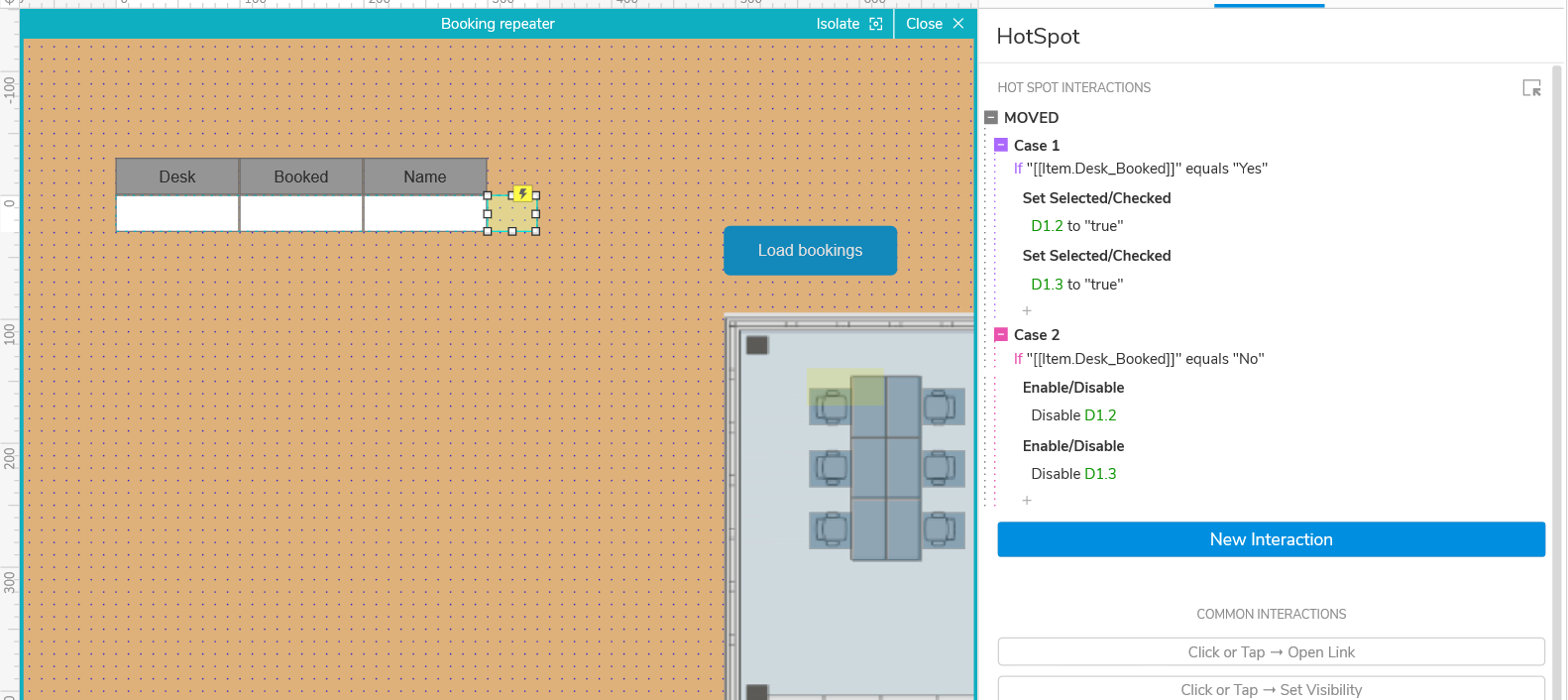
I want to dynamically set the colour of desks for a mock up of a desk booking app, based of whether the data in the repeater is Yes/No to a column called booked.
I thought I had it working, but then I realised the logic is applying across everything, so rather what is happening, is the logic is just matching the cases and setting a colour. I’ve put a screen shot below, because I am unsure how to evaluate the logic, without writing 100s of conditional statements.
If I was doing this in say python, i’d just use a simple if/else statement and access the colour directly. I think in Axure 11, you can change colour as an action. If I could do this in RP9, this would be super simple. Does anyone have any ideas how might you achieve this?
Thanks for having a look. After some playing, I realised my set selected statements were applying to all the desks (1.1-1.6), I thought using a hotspot would call them 1 by 1, but I also realised, I currently have no way to link the desk objects to the repeater values other than they can share the same name.
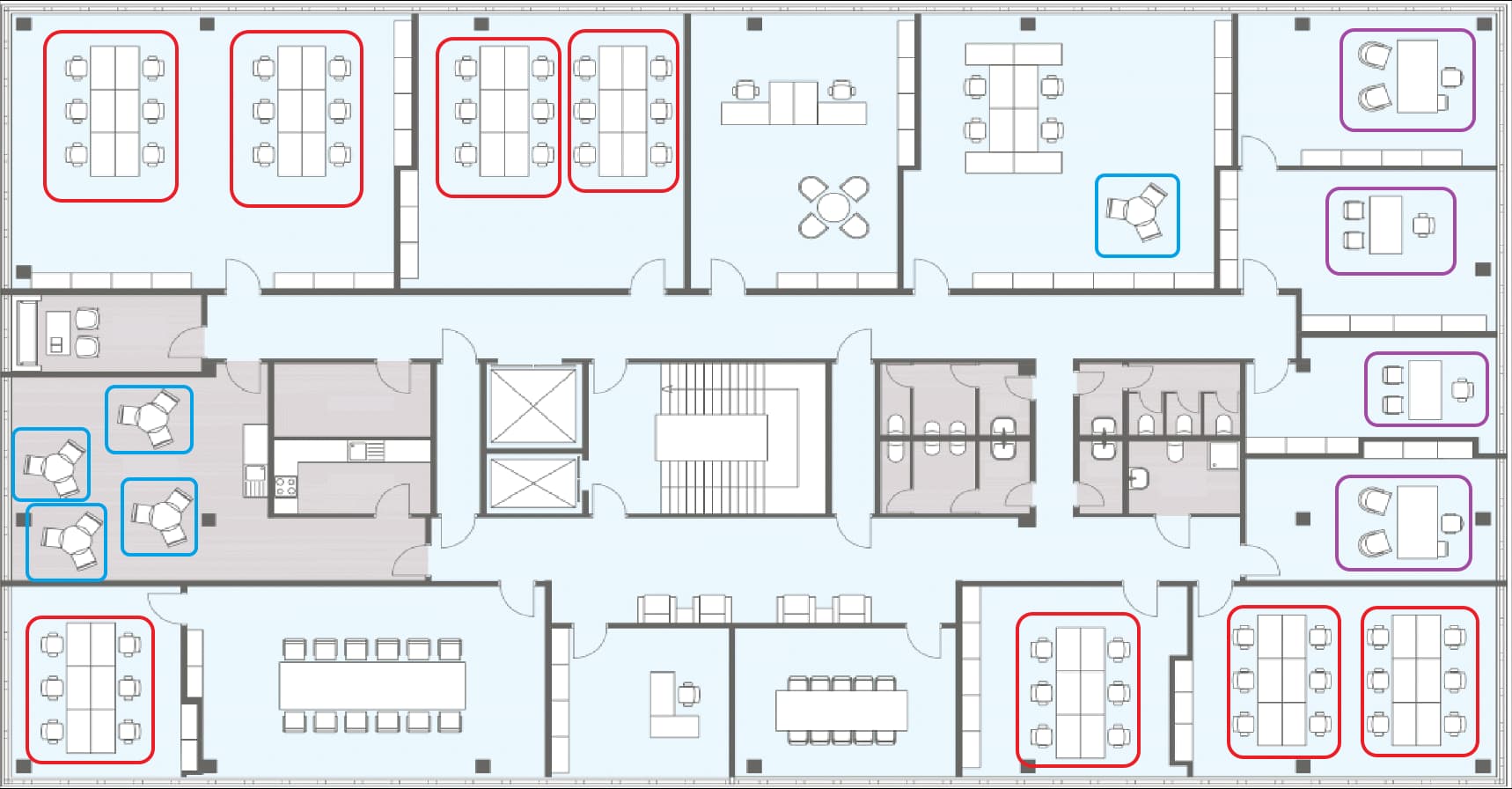
I analyzed your background layout and feel that you don’t need to place all the seats in the same repeater. For example, if there are multiple 2*3 seating arrangements, you can complete one and then duplicate it.
If all the seats were arranged in a 2x3 pattern, it might be simpler. You could just add images in the repeater and arrange them directly.
However, those triangular seating arrangements are more troublesome.
Thanks for the advice. How would you set them from the repeater? So far, the listener method isn’t working for me, but I may have the wrong execution.
I’ve managed to rejig my approach, so I manually set all the desk to red, and then when I click my load bookings button, it sets the selected desks to green, using a selected style effect. However, I do this manually, one by one on each desk, which is time consuming but works, hence trying to see if I could do this via a repeater.
After careful consideration, it seems better to use the disabled method directly as it’s more streamlined. I’ve re-uploaded an RP file—please take another look.
Excellent refinement! The key value here is using the widget’s inherent style effects (like disabled or selected) to handle state changes, especially within a repeater.