yanzf
November 1, 2018, 2:43pm
1
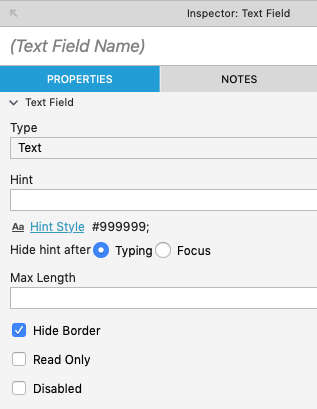
Hi guys, i am quite new to AXURE, and i encountered a problem which i cannot top align my text inside a text field. Is there ways to solve this?
i also came across this forum, but i cannot use rectangle in this case, because i need its property to do cases.
Hello -
How can I get the text that I type into a rectangle to align to the top of the shape?
thanks
Rich
Thank you!
Zuvala
November 1, 2018, 3:01pm
2
The function is disabled when you have selected the text itself. Have you tried clicking outside an selecting the box?
yanzf
November 2, 2018, 1:55am
3
No, i cannot change the alignment even though i select the rectangle.
Zuvala
November 2, 2018, 7:53am
4
Sorry, I misinterpreted your question:
No its not possible to align an input textfield vertically.