When I was using Axure for replication in Figma, I was prompted:
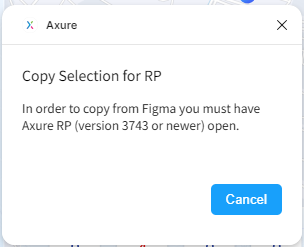
But I have already opened Axure 9.0.0.3746

When I was using Axure for replication in Figma, I was prompted:
But I have already opened Axure 9.0.0.3746
Hi @Jorkin,
I tested using the Axure Figma plugin with RP 9 (3746), and this worked on my end. You’ll want to make sure you have at least a blank file open in RP 9 (not just the Welcome Screen dialog) when initiating the copy to Axure.
If you’re still running into issues, please write in to support@axure.com and we’ll troubleshoot further from there. Thanks!
I found that there’s no issue in the Edge browser, but this error occurs when using Chrome.
Hi @Jorkin,
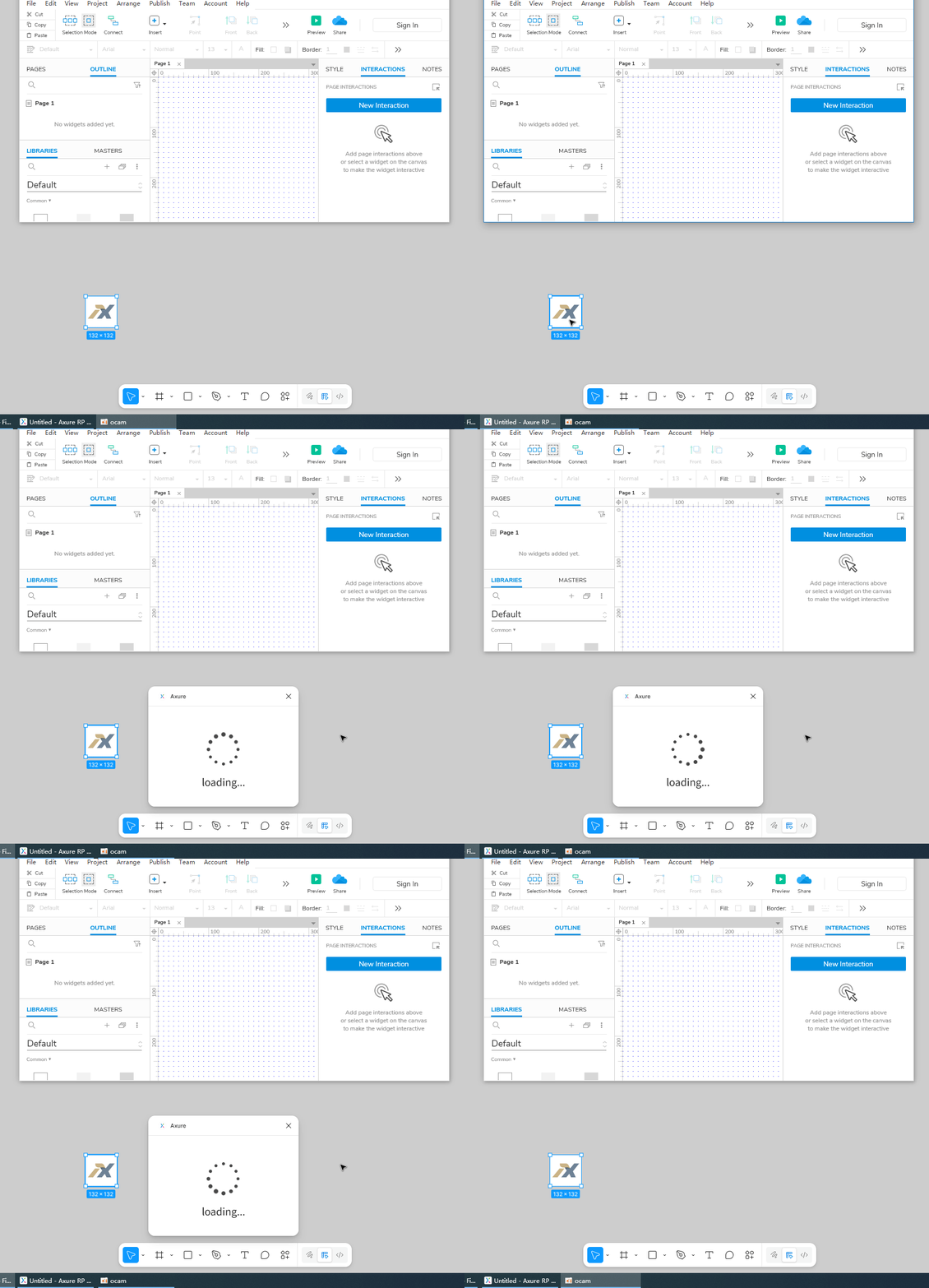
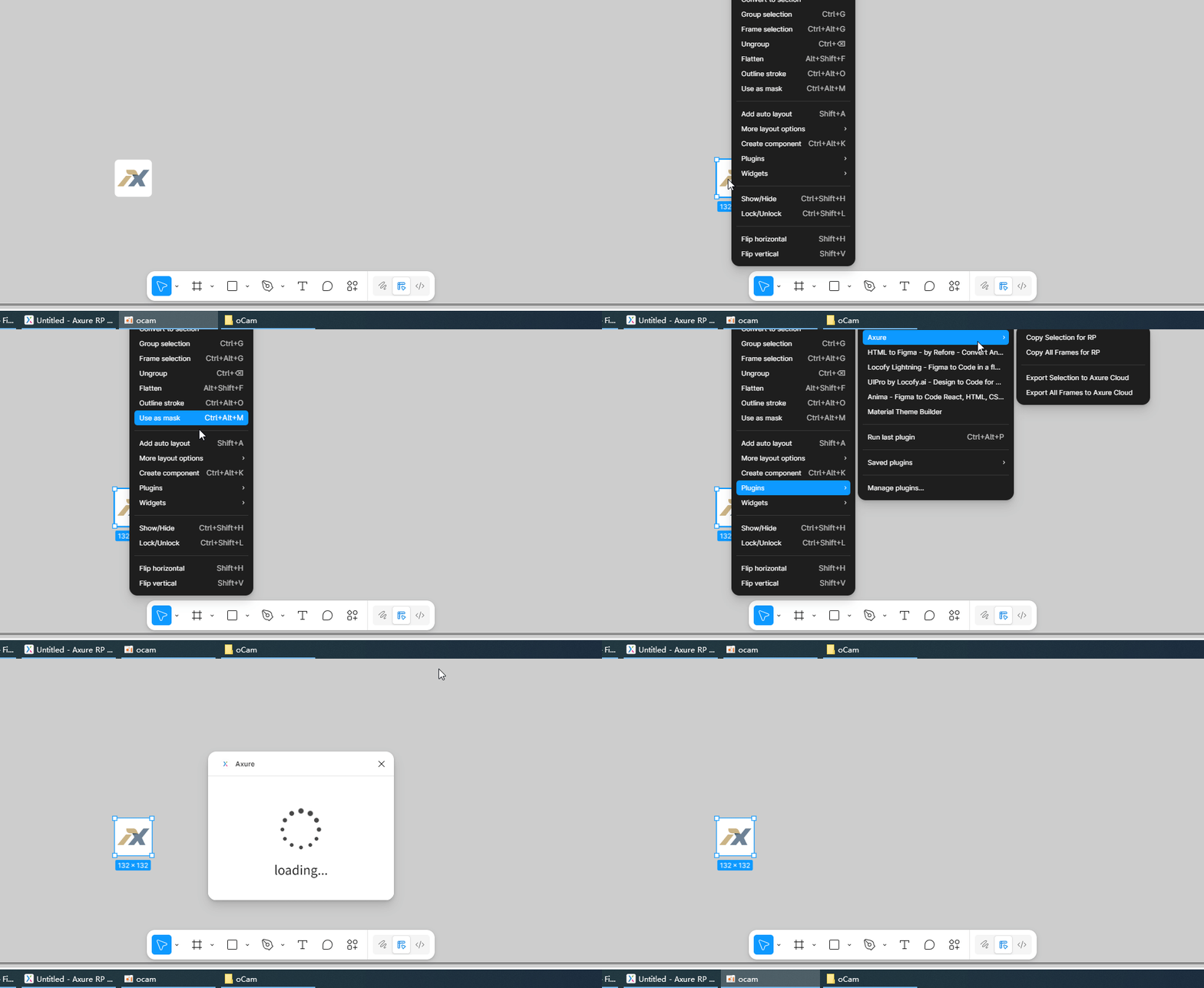
Hmm it shouldn’t matter the browser you’re using since the copy/paste is happening between Figma and Axure RP. Can you post a screenshot of what you see in Edge vs Chrome? Any additional details you’re able to provide will be helpful as well.
Chrome:
Edge:
Hi @Jorkin,
Ah thank you for the screenshots. I tested using the Axure/Figma plugin in both the Chrome and Edge browsers, and they all worked as expected. I did notice I had to allow Figma to allow local network access in Chrome for the plugin to work though - it did not work if I had it disabled. To see if this might also be the same issue on your end, please open the site settings in Chrome and enable this setting:
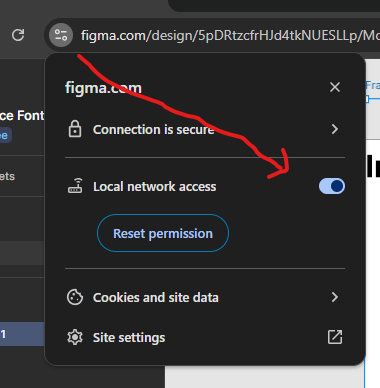
If this still doesn’t work, please email support@axure.com and we can further troubleshoot from there. Thanks!
Maybe your Chrome isn’t up to date. I recently encountered a similar error (error code: 0x80004005). After updating Chrome, the issue was resolved, and I was able to successfully copy content from Figma into Axure.