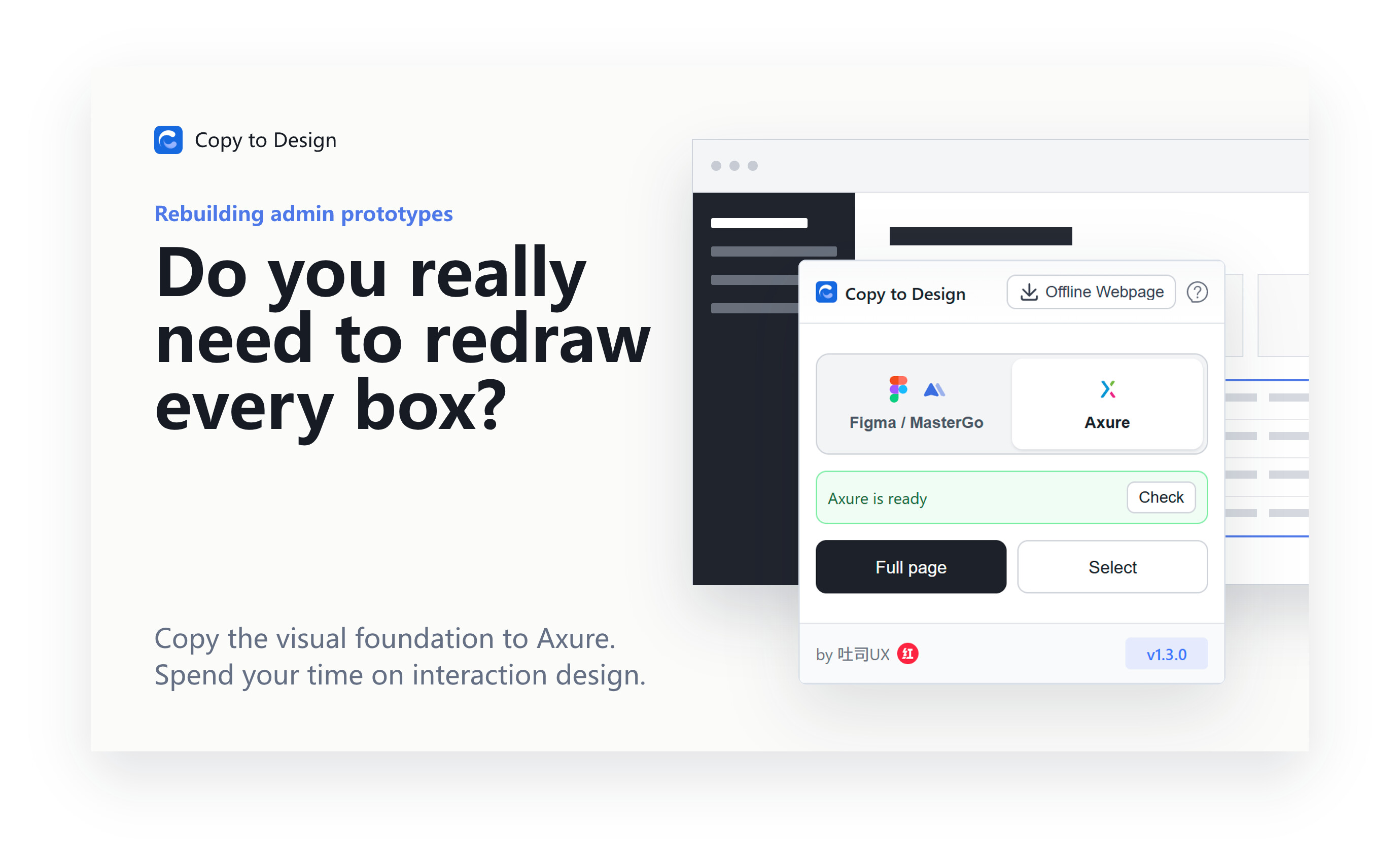
When rebuilding an admin prototype, we often spend most of our time taking screenshots, measuring spacing, redrawing tables, and filling in text.
But what truly needs to be designed is not the interface itself — it’s the interaction behind it.
That’s why I created a browser extension called Copy to Design .
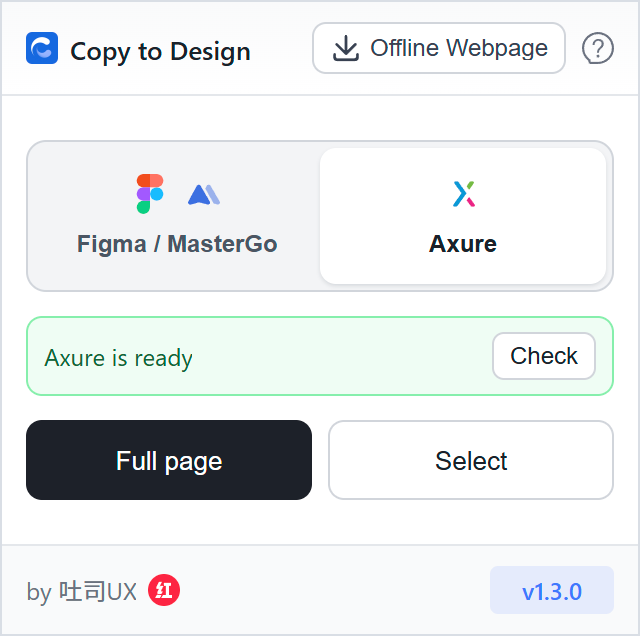
It allows you to copy an entire webpage, or selected areas such as tables, navigation bars, forms, dialogs, and other UI components directly into Axure. From there, you can build on top of these editable visual foundations and focus on designing states, flows, and interactions.
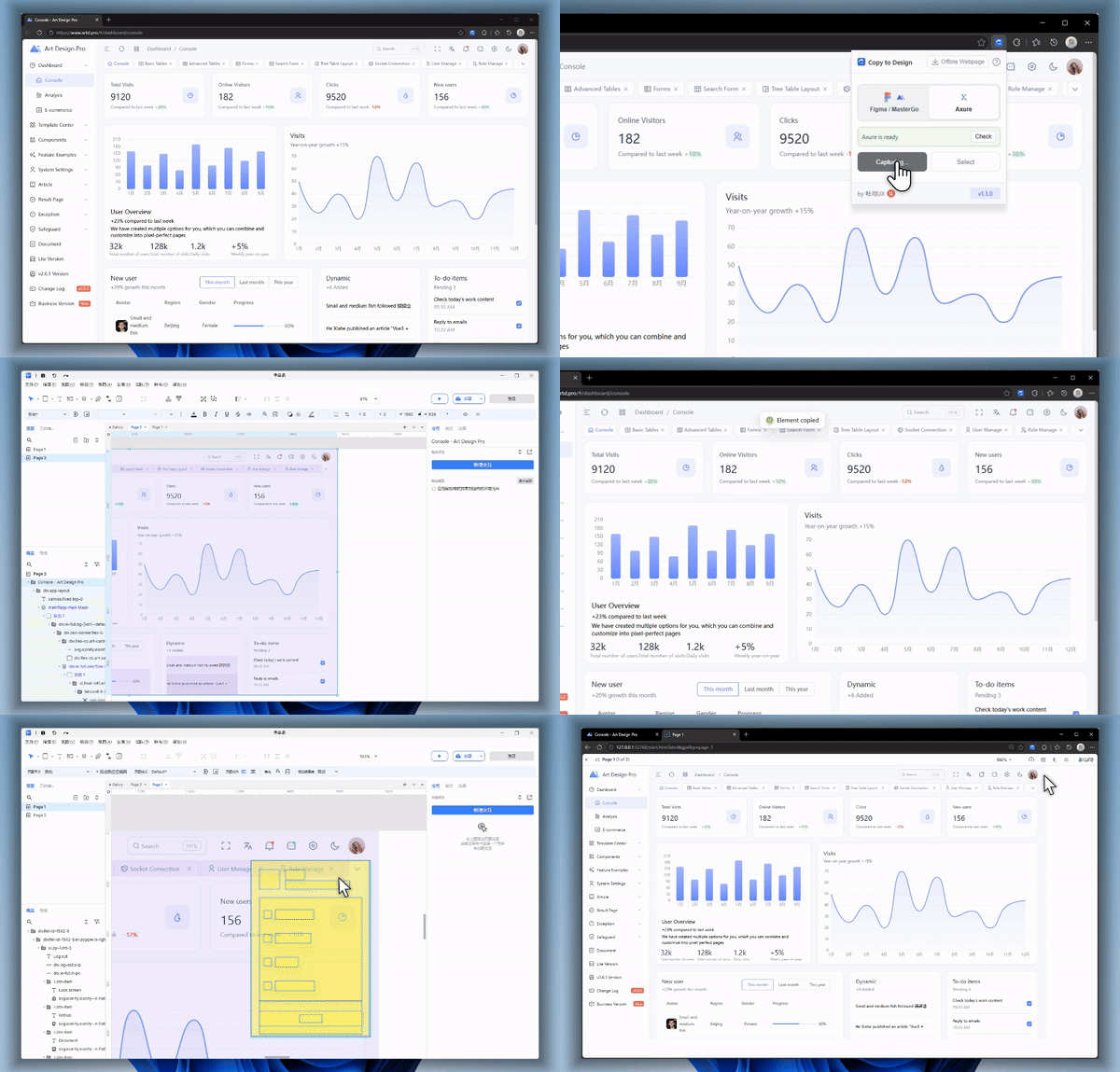
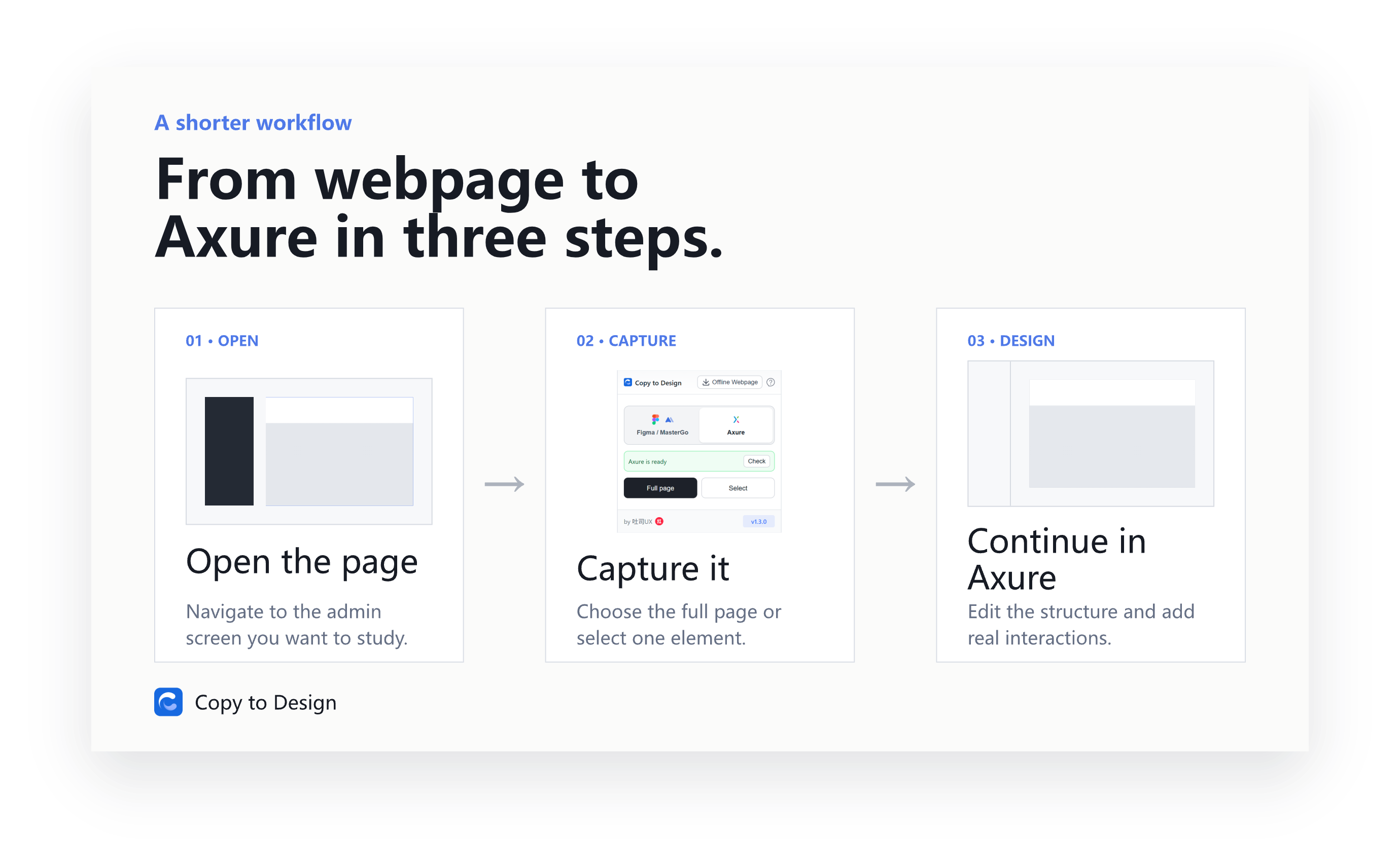
The workflow is simple:
- Open the webpage you want to reference
- Select the full page or specific elements
- Copy them into Axure and continue designing your interactions
Of course, it’s not a magic button that generates a complete prototype with one click. Business logic, dynamic interactions, and complex states still require thoughtful design.
What it solves is the most repetitive part of the process: reducing manual recreation work so you can start real interaction design faster.
The extension now also supports copying designs into Figma .
If you often research competitors, modernize legacy systems, or quickly create admin prototypes, give it a try.
Chrome: https://chromewebstore.google.com/detail/kagheljiohdefkdlhmjiknfkcdjdcpok
Edge: https://microsoftedge.microsoft.com/addons/detail/plgjggmgpiibpddgkekkelbepgkcegmf